Flux Video Studio is now live

Phased early access

Flux 3 Multimodal AI for Video, Image & Native Audio

Flux 3 is in phased early access. Use this studio to explore and prepare multimodal video, image, and native-audio workflows while access details evolve.

Flux 3 creative studio

Start image

Ctrl/⌘ + Enter to generate. 0 / 20000

Create from a prompt alone or add an opening image.

94

Enter at least 3 characters to continue.

Flux 3 visual guide · Updated July 30, 2026

What is Flux 3?

Flux 3 is an announced multimodal foundation for creating and understanding images, video, native audio, language, and action-related signals in one connected system. Its goal is to treat a scene, its motion, and its sound as parts of the same event.

For creators, that direction means more ways to shape one idea: prompts, starting images, visual references, video, audio, and keyframes. The rollout remains in phased early access, so this guide distinguishes announced capabilities from details that still need confirmation.

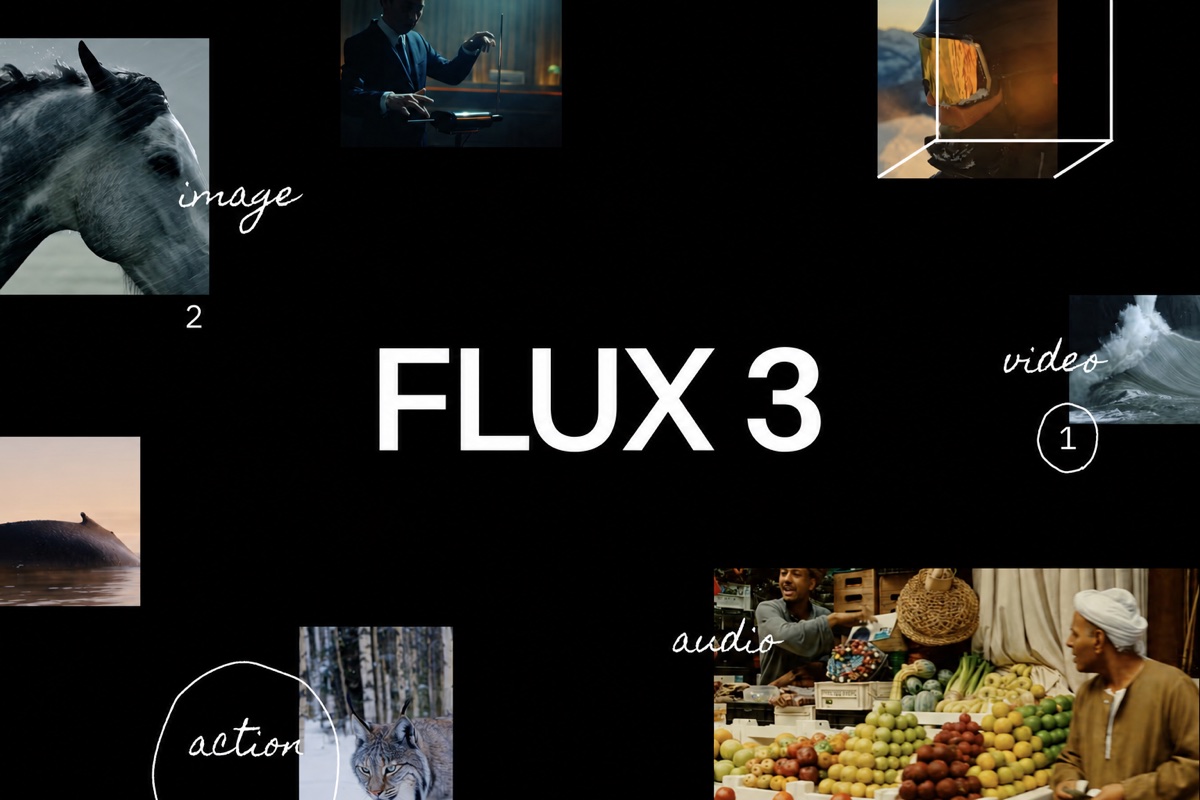
Flux 3 multimodal collage showing image, video, native audio, and action examples on a black canvas
One Flux 3 plan can connect a written brief, visual references, moving shots, and sound direction.

Five visual workflows

Explore Flux 3 through its creative modes

Flux 3 is designed for more than text-to-video. The announced direction combines synchronized sound, reference-led control, still-image work, connected shots, multilingual dialogue, and flexible framing. Each card shows a workflow to plan, not a promise that every control is already public.

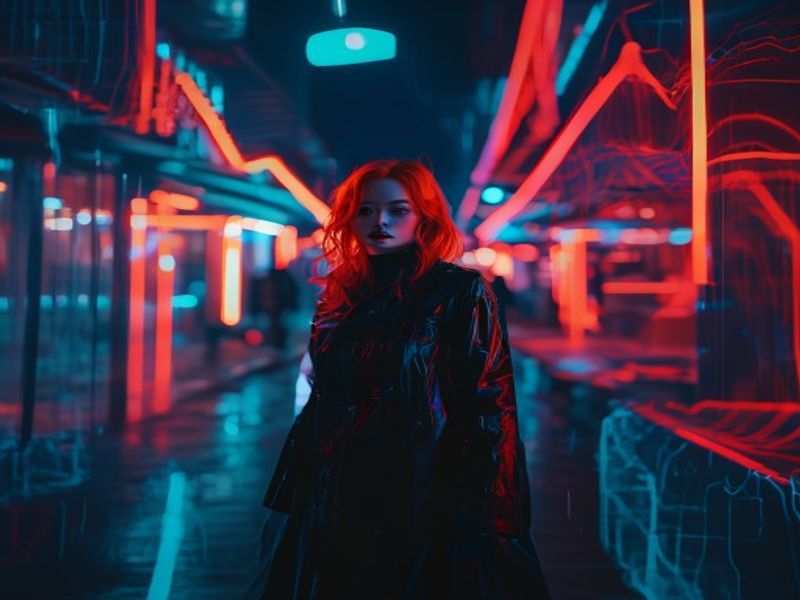
Cinematic video frame surrounded by colorful sound waves representing synchronized native audio

01

Flux 3 native audio

Video and sound are designed to emerge together, including dialogue, ambience, and effects tied to visible events. Review timing, speech, unwanted noise, and audience suitability before publishing. Compare alternative takes at the same review volume, especially where speech and effects compete.
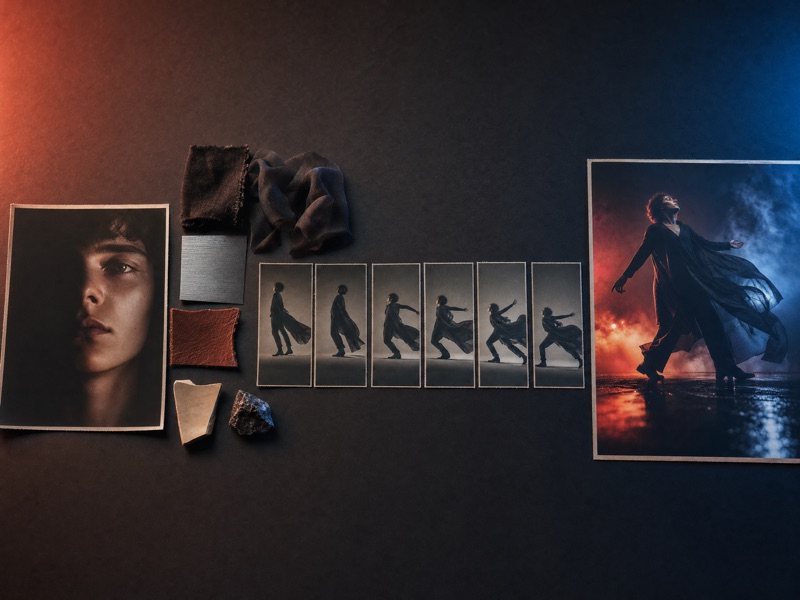

Creative control board linking a portrait reference, product image, motion frame, and keyframe markers

02

Flux 3 reference control

Start with a prompt, image, reference clip, existing media, or defined keyframe. Each input can guide subject, style, motion, or transition; supported combinations still depend on the access path. Give every reference one clear job so conflicting visual directions are easier to remove.

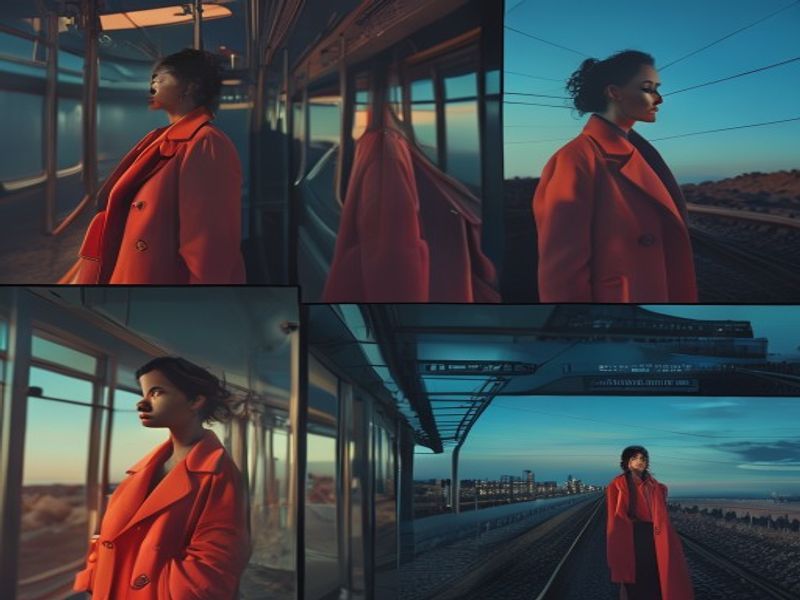
Before-and-after editorial image composition showing controlled visual editing and refinement

03

Flux 3 image creation and editing

The image direction covers generation and editing across styles, compositions, aspect ratios, and resolutions. It is rolling out separately from video, so confirm each operation before planning delivery. Save approved source references beside each result to make later revisions easier to compare.

Four connected cinematic shots following the same character through a continuous visual story

04

Flux 3 multi-shot continuity

Longer stories are planned as connected clips. Reuse references, approve each shot, then edit the sequence and its audio transitions; continuity remains a creative review task, not an automatic guarantee. Record approved wardrobe, props, palette, and camera choices for the next shot.

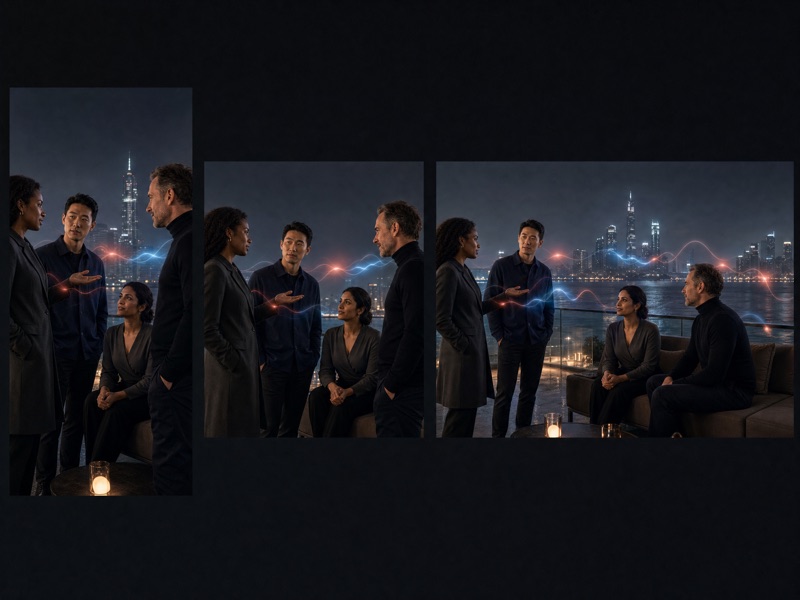
A cinematic scene adapted into square, landscape, and vertical formats with multilingual speech motifs

05

Flux 3 formats and languages

Multilingual dialogue, varied visual styles, and multiple aspect ratios can support regional and channel-specific versions. Native-language reviewers should still check speech, visible text, cultural details, and claims. Keep important action inside layout-safe areas when one scene must fit several frames.

Four-step workflow

Build a practical Flux 3 brief

A useful Flux 3 workflow starts with creative decisions that survive changing interfaces. Prepare the outcome, references, shot plan, and review criteria without guessing unpublished model names or request fields.

  1. 1

    Define the outcome

    Set the audience, message, duration, format, and channel. Separate what viewers must see from what they must hear.

  2. 2

    Curate references

    Use material you have rights to, label what each reference should guide, and remove conflicting examples before they reach Flux 3.

  3. 3

    Plan shots and sound

    Describe subject, action, camera, light, dialogue, ambience, and key transitions. Keep each clip focused enough to review and revise.

  4. 4

    Review every result

    Check continuity, motion, sound alignment, speech, visible text, rights, and factual accuracy before connecting clips or approving final media.

Release clarity

Flux 3 early access: confirmed and still open

Flux 3 is moving through a phased rollout, not one universal launch. Separate what early-access materials state from details that remain unpublished, especially before promising an interface, price, limit, license, or deployment option.

Announced

For Flux 3, the following direction had been announced by July 30, 2026; early specifications can still change.

  • One foundation spanning image, video, audio, and language-led instructions.
  • Prompts, starting images, references, video, audio, and keyframes as input types.
  • Joint video and native audio, with up to 20 seconds announced per generation.
  • Video in early access; image synthesis and editing on a separate rollout.

Still open

Flux 3 production details are not fully public. Keep plans flexible until documentation matches your actual access.

  • Final public model identifiers and exact production capability names.
  • Pricing, billing units, account tiers, quotas, and commitments.
  • Final resolution, duration, file, concurrency, rate, and retention limits.
  • Complete API guidance, license terms, commercial-use rules, and deployment conditions.

Review current Flux 3 access terms and technical documentation before making product, budget, security, or delivery commitments.

Direct answers

Flux 3 FAQ

Use these concise Flux 3 answers to compare announced capabilities with the limits of phased early access.

What is Flux 3?

Flux 3 is a multimodal foundation intended to connect text, images, video, audio, and action-related signals. Its creative direction covers still images, native-audio video, reference-led control, and longer stories assembled from individual clips.

Is Flux 3 fully released?

No. As of July 30, 2026, the rollout remains phased. Video entered early access, while image synthesis and editing follow a separate path. An announced feature is not necessarily available through every interface, account, or region.

What inputs can Flux 3 use?

Announced inputs include prompts, a starting image, visual references, reference video, existing video and audio, and keyframes. Exact file types, counts, sizes, and supported combinations still require current documentation for your access route.

Does Flux 3 generate native audio?

The announced video capability creates visuals and audio together, including dialogue, ambience, and event-related sound. Published work still needs checks for synchronization, speech accuracy, unwanted noise, audience suitability, and usage rights.

How long can each video be?

Early-access information announces native-audio video up to 20 seconds per generation. That setting is not guaranteed for every future product or account. Longer stories use separately generated clips joined into an edited sequence.

Can Flux 3 generate and edit images?

Image synthesis and editing are announced across varied styles, compositions, aspect ratios, and resolutions. This capability is rolling out separately from video, so verify a specific operation and output format before including it in a delivery plan.

Prepare before access

Prepare your Flux 3 brief

Use the studio above to organize prompts, references, shots, formats, and review criteria while Flux 3 access develops. You will leave with a clearer plan to adapt when supported controls and terms are confirmed.

Open the Flux 3 studio